Subscription-Free AI Security Cameras: 2026 Guide

Smart home security is changing fast. Homeowners want advanced protection without monthly fees. Subscription-free AI security cameras now deliver powerful on-device intelligence. You get real-time alerts, person detection, and local storage. Best of all, you pay zero monthly fees. This guide covers the top models and key trends for 2026.
Table of Contents
- Why Choose Subscription-Free AI Security Cameras?
- Top Models Leading the 2026 Revolution
- How Edge AI Powers Local Surveillance
- Installation Tips for Smart Homes
- Cost Comparison: Subscription vs. Free
- Frequently Asked Questions
Why Choose Subscription-Free AI Security Cameras?
Monthly subscriptions add up quickly. Many families spend over one hundred dollars per year on cloud storage alone. However, subscription-free AI security cameras solve this problem elegantly. They store footage locally on microSD cards or network hubs. Therefore, you keep full control over your data.
Privacy matters more than ever today. Cloud-based systems can suffer breaches or outages. In contrast, cameras with on-device AI process video locally. Your footage never leaves your home network. Additionally, edge processing delivers faster alerts with lower latency.
Another major benefit is long-term savings. You pay once for hardware and enjoy AI features forever. There are no surprise price hikes or locked features. For example, person, vehicle, and animal detection work out of the box. This value makes subscription-free AI security cameras a smart investment for any household.
Battery-powered options make outdoor placement easy. Solar panels can keep units charged indefinitely. You avoid complex wiring and electrical costs. This flexibility extends protection to driveways, sheds, and backyards.
Top Models Leading the 2026 Revolution
Several brands now dominate the no-subscription market. First, the Tapo C460 offers reliable on-device AI detection. It distinguishes between people, pets, and passing cars. Next, the eufyCam S3 Pro pairs with a HomeBase hub for encrypted local storage. It delivers crisp 4K resolution and color night vision.
The UniFi Camera AI Pro stands out for power users. It integrates seamlessly with UniFi Protect systems. Meanwhile, the Reolink Argus 4 Pro provides wire-free installation with solar compatibility. The Reolink Argus 4 Pro also features a large battery and optional solar panel. Night vision performance impresses across all tested conditions. You get full-color video even in near-total darkness. All four models run core AI locally without cloud dependency. Furthermore, CNET testing confirms they rival subscription-based rivals in accuracy. You can read more about CNET top picks.
Lastly, the Aqara Camera Hub G3 impresses HomeKit users. It uses HomeKit Secure Video and includes a built-in Zigbee hub. These options prove that premium AI does not require monthly fees. Instead, manufacturers embed powerful chips directly into the hardware. As a result, subscription-free AI security cameras are now the best choice for savvy buyers.
How Edge AI Powers Local Surveillance
Edge AI is the secret behind this revolution. Essentially, cameras process video using built-in neural processing units. They do not send raw footage to distant servers. Instead, the device itself recognizes faces, packages, and unusual activity. This reduces bandwidth usage and improves response times.
Local storage options are equally important. Most models support microSD cards up to five hundred twelve gigabytes. Others connect to dedicated HomeBase hubs or NAS drives. For instance, Eufy plans to launch Smart Security Shield AI in late 2026. This upgrade will run entirely on local hardware. Therefore, your data stays private and secure at all times.
Edge computing also protects you during internet outages. Cloud cameras become useless when your connection drops. However, local AI cameras continue recording and detecting events. They simply sync stored clips when service returns. This reliability gives homeowners true peace of mind.
If you want deeper insights, read our Edge AI Home Security Guide. We explain how on-chip intelligence is reshaping the industry.
Installation Tips for Smart Homes
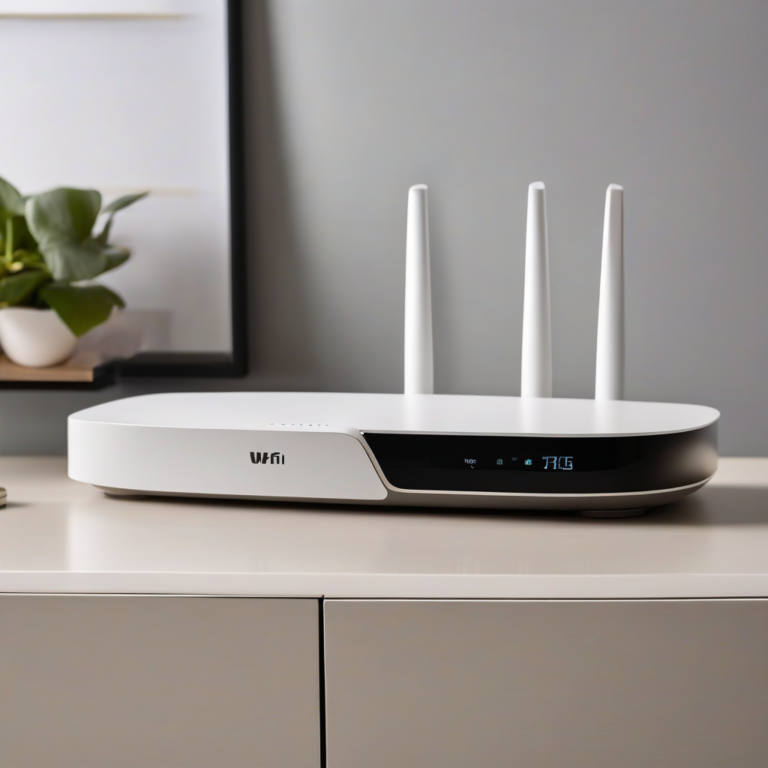
Installing these cameras is surprisingly simple. First, identify high-traffic entry points around your property. Next, ensure your Wi-Fi signal reaches each location. Most modern routers handle 4K streams easily. However, a mesh system helps eliminate dead zones in larger homes.
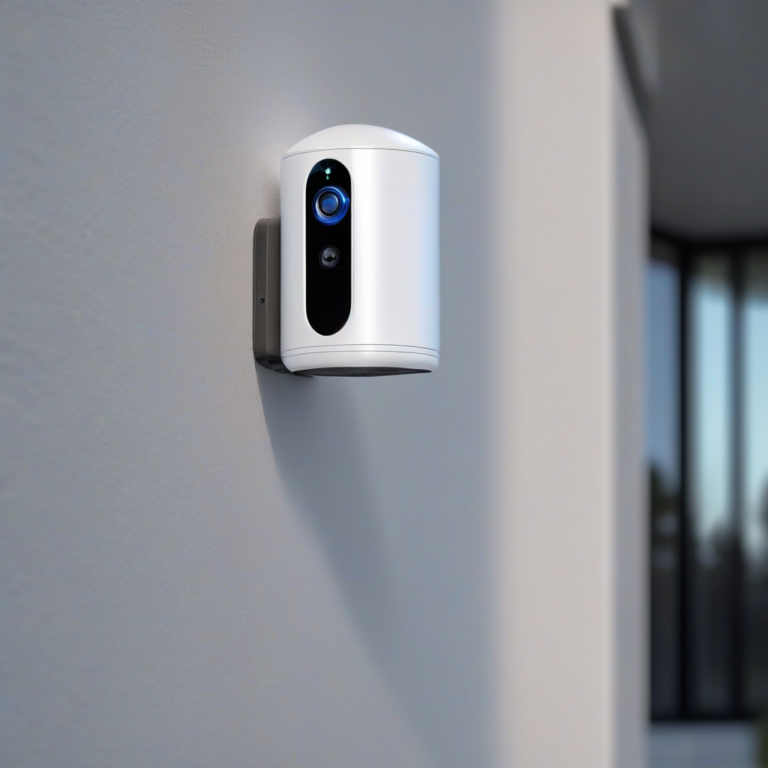
Position outdoor cameras at least nine feet above ground. This angle deters tampering while covering wide areas. Additionally, aim lenses away from direct sunlight to prevent glare. Use included mounting hardware for brick, wood, or siding surfaces.
Test camera angles before final mounting. Walk through detection zones while watching the live feed. Adjust sensitivity settings to reduce false alerts from swaying branches. This fine-tuning ensures reliable notifications day and night.
Finally, create a naming system for multiple devices. Label cameras by location in your app. This organization makes reviewing footage much faster. For a complete setup strategy, explore our Smart Home Security Systems 2026 guide. Also consider protecting your garage with Essential Garage Alarm Systems 2026.
Cost Comparison: Subscription vs. Free
Subscription plans typically range from three to twelve dollars per month per camera. Over five years, that totals one hundred eighty to seven hundred twenty dollars for a single device. However, subscription-free AI security cameras eliminate this burden entirely. You invest in hardware once and enjoy AI features indefinitely.
Beyond cost, freedom from subscriptions means no feature gatekeeping. Companies like Ring and Arlo lock advanced AI behind paywalls. Therefore, basic motion alerts are all free users receive. In contrast, no-subscription brands offer person detection, activity zones, and rich notifications at no extra charge. This transparency builds trust with consumers.
Moreover, there are no hidden renewal surprises. Annual price increases are common in cloud services. Local-storage cameras protect you from these shifts. Your security budget stays predictable year after year. For families managing tight budgets, this stability is invaluable.
Frequently Asked Questions
Do subscription-free cameras offer true AI detection?
Yes. Modern models use on-device neural engines. They detect people, vehicles, animals, and packages without cloud help. Accuracy rivals premium subscription services in most tests.
How much local storage do I need?
A 128GB microSD card holds roughly two weeks of 2K footage. For 4K recording, upgrade to 256GB or 512GB. Some systems use hub-based storage for multi-camera households.
Can I access footage remotely without a subscription?
Absolutely. Most brands offer free mobile apps with live viewing. Remote access uses encrypted peer-to-peer connections. You only need an internet connection at home and on your phone.
Ready to upgrade your home? Check our Vet AI Home Security Devices 2026 article. Many homeowners now prefer subscription-free AI security cameras for their unmatched value and peace of mind.