Smart Home Privacy: Essential Tips to Protect Your Data
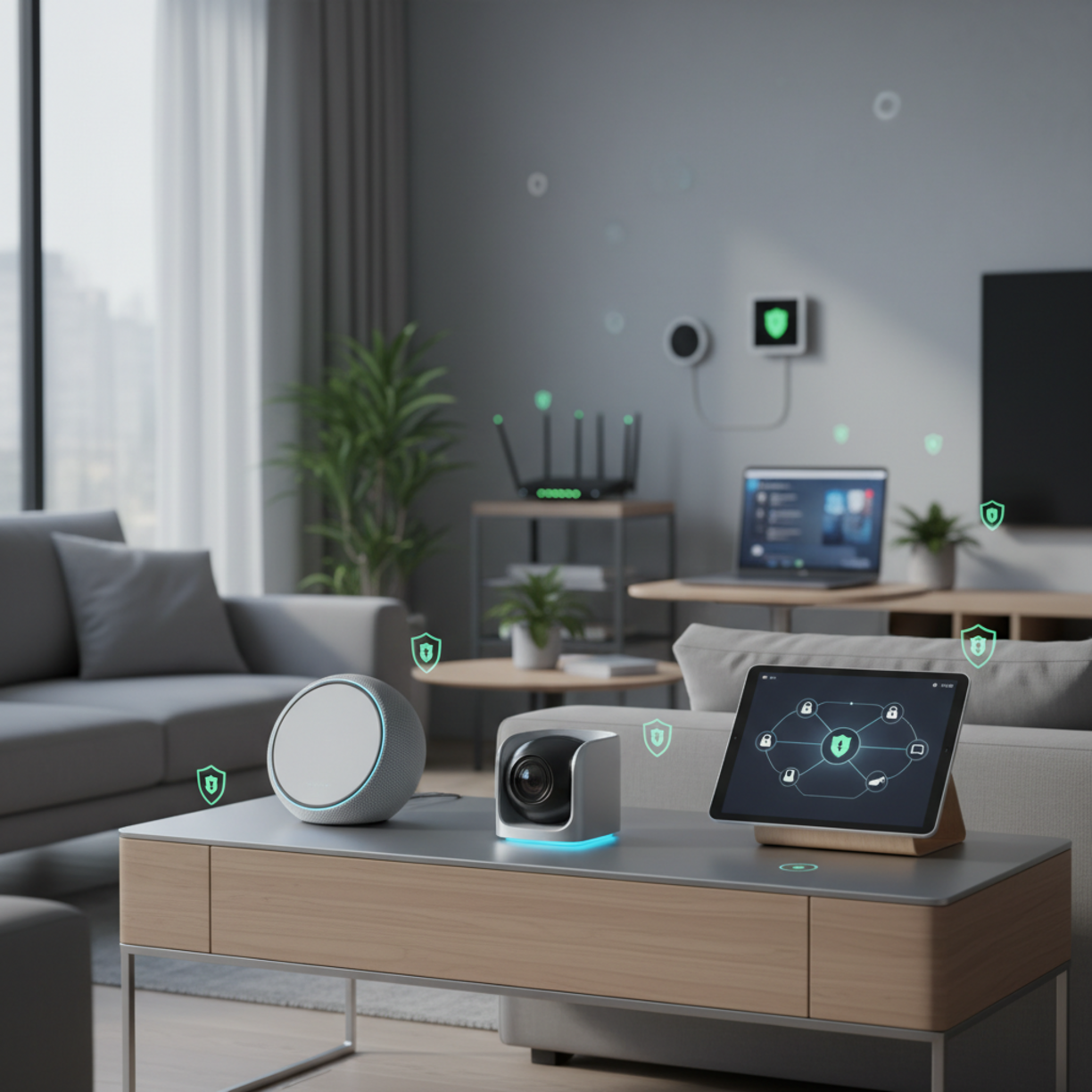
When you bring connected devices into every room, smart home privacy becomes a top priority.
Understanding how data travels between lights, speakers, cameras, and your router helps you lock down potential leaks before they happen.
Table of Contents
Materials and Components
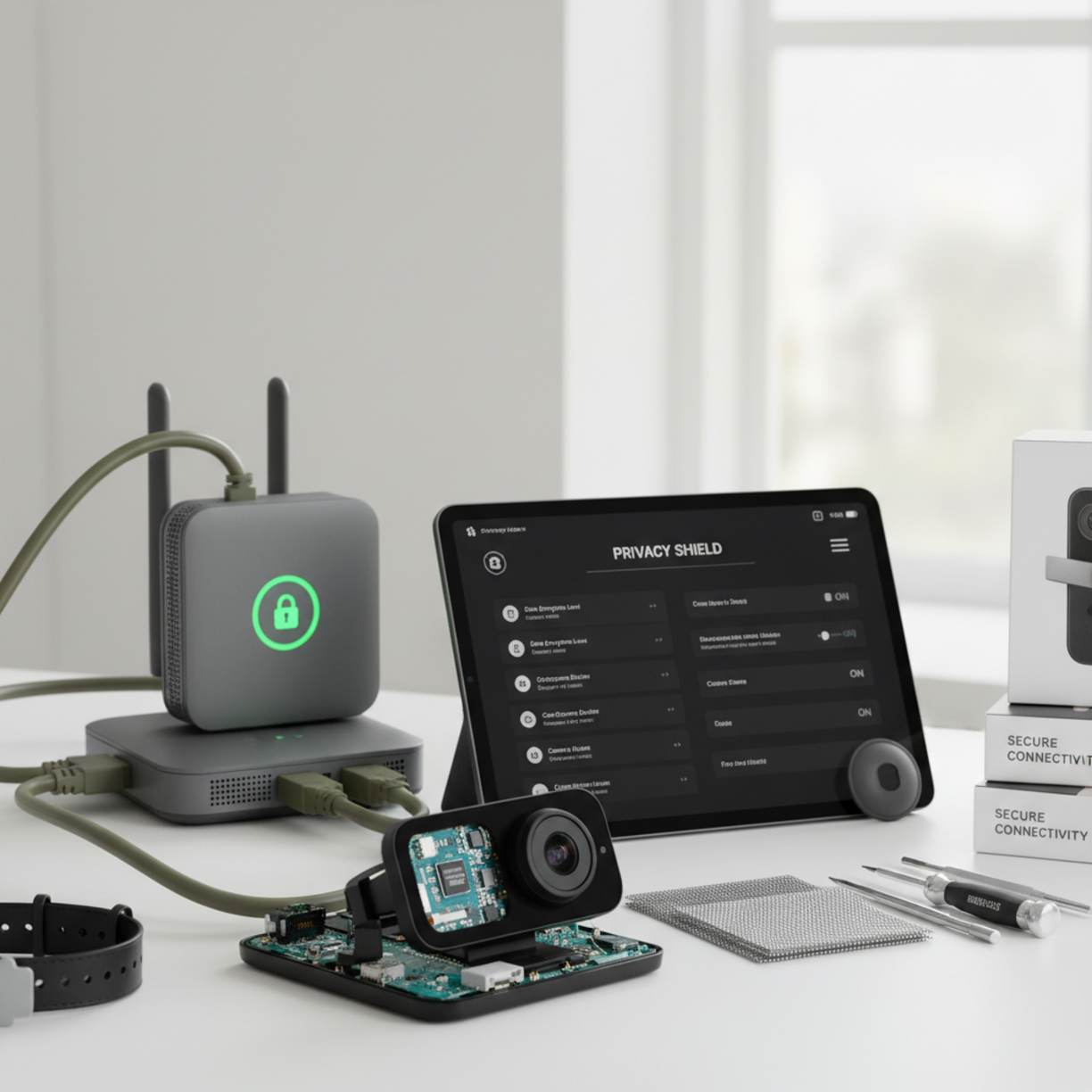
Start by inventorying every smart device—thermostats, door locks, voice assistants, security cameras, and IoT plugs. Check each product’s firmware version, supported encryption standards (WPA3, TLS 1.3), and whether the manufacturer offers regular security updates. A dedicated IoT hub or a separate VLAN can isolate traffic from your main network, reducing the attack surface.
Planning and Setup Timeline
1. Week 1: List devices, note default credentials, and create a network diagram.
2. Week 2: Configure a guest or IoT network on your router; enable WPA3 if available.
3. Week 3: Update firmware on all devices and change default passwords.
4. Week 4: Test connectivity, verify that each device respects the new network segmentation.
How to Set It Up
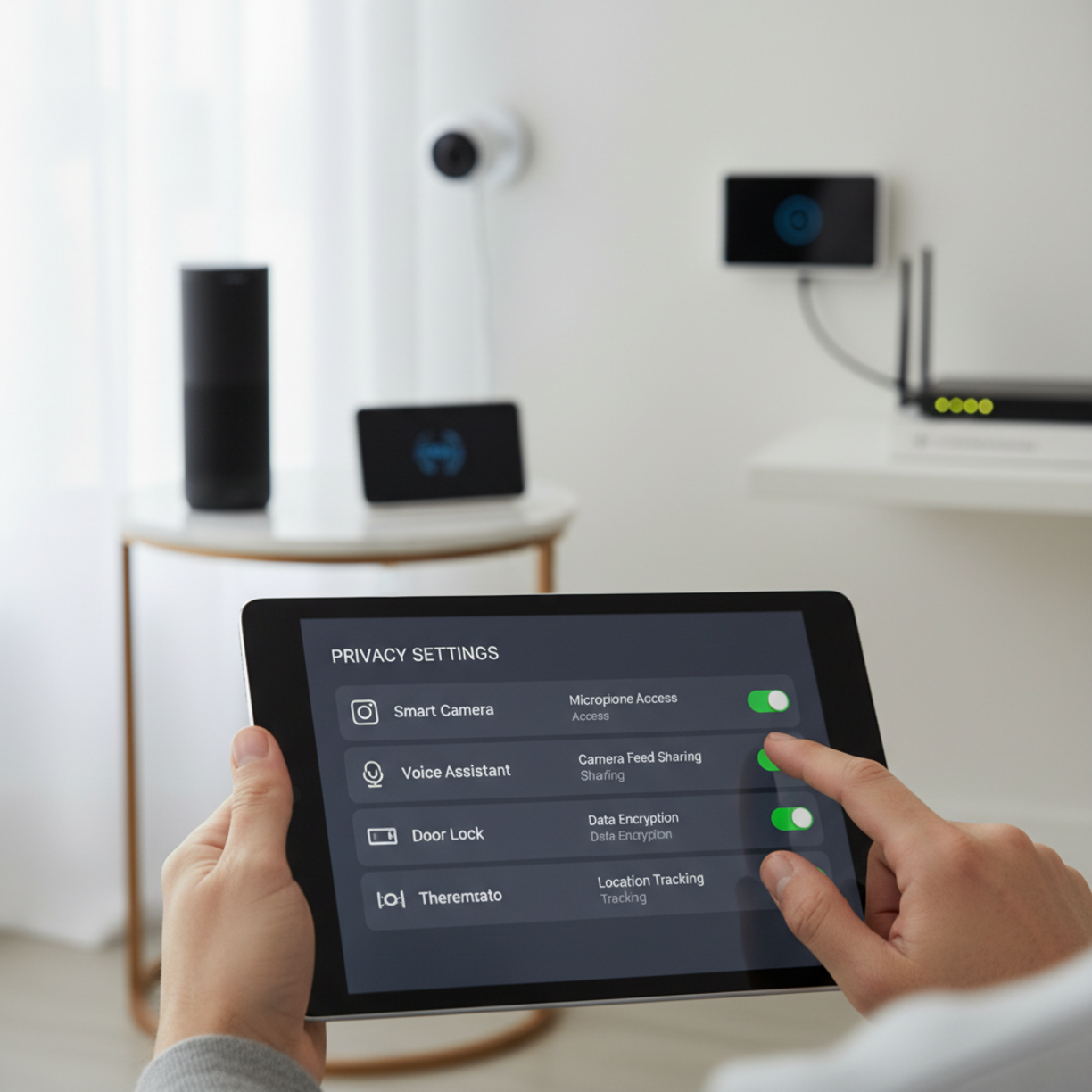
Begin with your router’s admin console. Create a separate SSID for smart devices and enable a strong, unique passphrase. Next, log into each device’s companion app and locate the privacy settings for smart home devices. Turn off unnecessary data sharing, disable cloud recordings when not needed, and opt for local storage whenever possible. Finally, enable two‑factor authentication on the manufacturer’s cloud portal to prevent unauthorized account access.
Key Benefits and Use Cases
Properly configured smart home privacy safeguards your family’s daily routines from prying eyes, protects sensitive data such as door‑lock codes, and ensures compliance with emerging regulations like GDPR and CCPA. Use cases include:
- Secure remote monitoring of elderly relatives without exposing video feeds to third parties.
- Energy‑saving automation that shares usage data only with trusted analytics platforms.
- Voice assistants that process commands locally, reducing reliance on external servers.
Best Practices and Expert Tips
Smart Home Privacy Best Practices
• Change default usernames and passwords immediately after installation.
• Regularly review the manufacturer’s privacy policy for changes in data collection.
• Use a password manager to generate and store complex passphrases for each device.
• Disable “always listening” mode on voice assistants when not needed.
• Schedule quarterly firmware audits and apply updates within 48 hours of release.
Common Problems and Fixes
Device won’t connect to IoT network: Verify that the network uses the same frequency band (2.4 GHz) required by most IoT gadgets. Reset the device to factory settings and re‑enter the new SSID credentials.
Unexpected data usage spikes: Check the device’s activity log; some cameras upload high‑resolution footage to the cloud by default. Switch to lower resolution or enable local storage to curb bandwidth consumption.
Lost remote access after firmware update: Re‑authenticate the device in the cloud portal and re‑enable port forwarding if you rely on it for remote control.
Maintenance and Long-Term Reliability
Establish a maintenance calendar: monthly checks for firmware updates, quarterly reviews of privacy settings, and an annual audit of network segmentation. Keep a backup of configuration files for your router and IoT hub so you can quickly restore a secure baseline after a breach or hardware failure.
Conclusion
By treating each smart gadget as a potential data conduit and applying layered defenses—strong network segmentation, diligent firmware updates, and strict privacy settings—you can enjoy the convenience of a connected home without compromising personal privacy.
FAQs
How often should I change passwords on my smart devices?
At least every six months, or immediately after any security advisory is released for a device you own.
Can I use a VPN with my smart home network?
Yes, a VPN on the router level encrypts all outbound traffic, adding an extra layer of privacy for devices that lack native VPN support.
Do I need a separate router for my smart home?
Not mandatory, but a dedicated IoT router or a VLAN on a capable router isolates traffic and reduces the risk of cross‑network attacks.
What’s the safest way to store video footage from security cameras?
Prefer local storage on encrypted SD cards or a Network Attached Storage (NAS) device. If cloud storage is required, choose a provider with end‑to‑end encryption and clear data‑retention policies.