
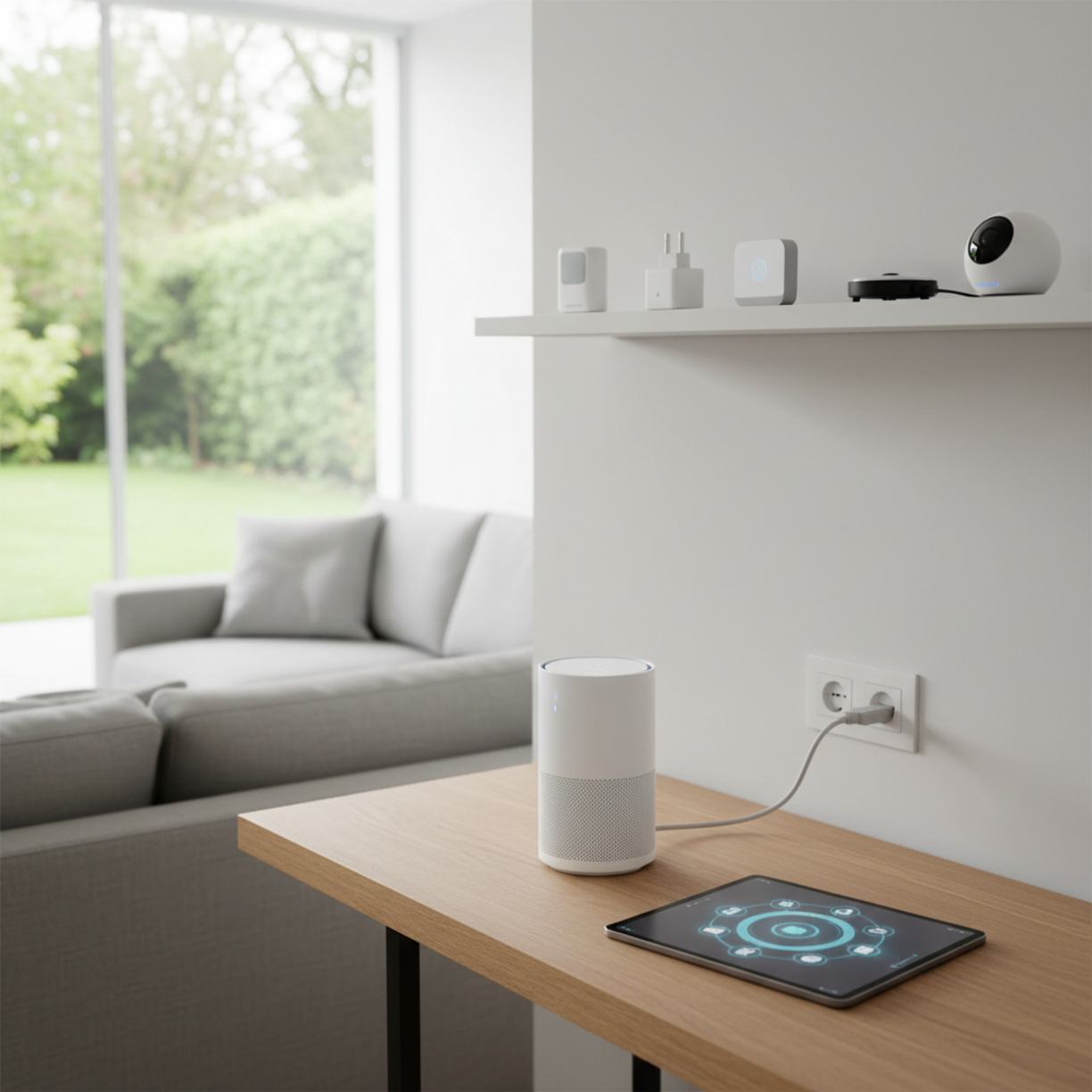
When you’re building a connected home, a robust smart home WiFi network is the backbone that keeps every device talking smoothly.
From voice assistants to security cameras, reliable coverage and easy configuration are essential for a friction‑free experience.
Table of Contents
Materials and Components
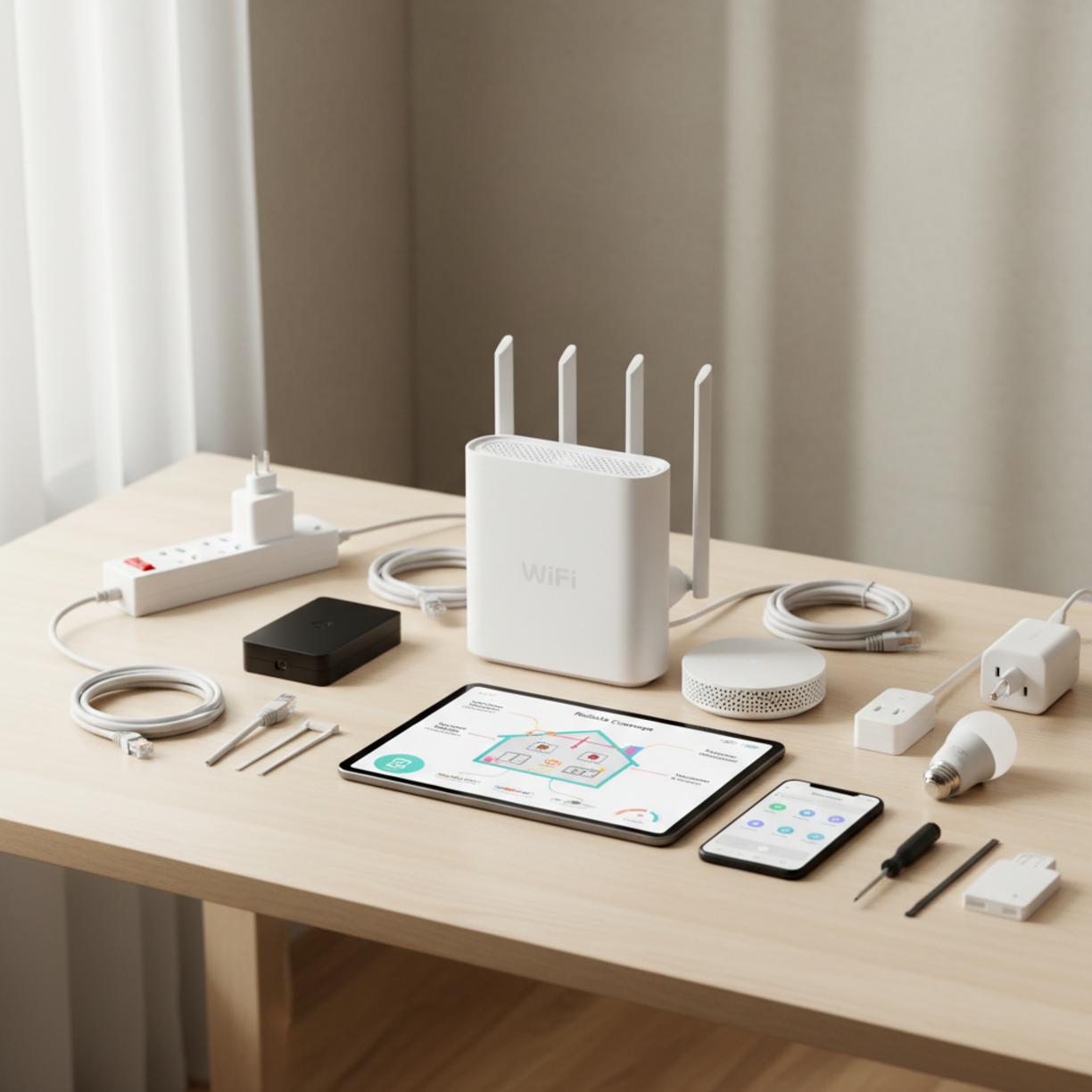
Before you begin, gather the following items to ensure a hassle‑free installation:
- Dual‑band or tri‑band Wi‑Fi router (Wi‑Fi 6 or Wi‑Fi 6E recommended)
- Mesh nodes or range extenders for larger floor plans
- Power over Ethernet (PoE) switches if you plan wired backhaul
- Ethernet cables (Cat 6 or higher)
- Smart plugs, bulbs, sensors, and hubs that support the same Wi‑Fi standard
- Mobile device with the router’s companion app
For a curated list of compatible devices, check out the smart home WiFi collection.
Planning and Setup Timeline
Map out your rollout in three phases to avoid surprises:
- Survey – Walk through each room with a Wi‑Fi analyzer app to spot dead zones.
- Design – Decide where the primary router and mesh nodes will sit for optimal line‑of‑sight.
- Deploy – Install hardware, configure the network, and test device connectivity.
A typical single‑family home can be fully operational within 2–3 hours if you follow this schedule.
How to Set It Up
Follow these steps for a smooth smart home WiFi setup:
Smart Home WiFi Essentials
1. Connect the router to your modem via Ethernet and power it on.
2. Launch the companion app on your phone, create a unique SSID, and enable WPA3 encryption.
3. Add mesh nodes one at a time, placing each within 30‑40 feet of the previous device for a strong handoff.
4. Prioritize devices by assigning IoT gadgets to a dedicated “IoT” SSID, keeping high‑bandwidth devices on the main network.
5. Update firmware on all hardware before finalizing the configuration.
For a ready‑made kit, you can browse options on smart home WiFi setup.
Key Benefits and Use Cases
Investing in a purpose‑built network delivers tangible advantages:
- Seamless automation – Lights, thermostats, and locks respond instantly.
- Enhanced security – Isolated IoT networks limit exposure to cyber threats.
- Scalable coverage – Mesh systems grow with your device inventory.
- Reduced latency – Critical for voice assistants and streaming security footage.
Best Practices and Expert Tips
To keep your network performing at its peak, consider these recommendations:
- Place routers and nodes on elevated surfaces, away from metal objects.
- Use wired backhaul whenever possible to free up wireless bandwidth.
- Enable guest networking for visitors to keep your main network private.
- Schedule automatic firmware updates during off‑peak hours.
- Regularly audit connected devices and remove any that are no longer in use.
Common Problems and Fixes

Issue: Spotty coverage in a specific room.
Fix: Add an additional mesh node or reposition the nearest node for a clearer line‑of‑sight.
Issue: Devices keep disconnecting.
Fix: Verify that the router’s DHCP pool isn’t exhausted and that firmware is up to date.
Issue: Slow speeds on IoT devices.
Fix: Move high‑bandwidth devices to the 5 GHz band and keep low‑bandwidth sensors on the 2.4 GHz band.
Maintenance and Long-Term Reliability
Schedule a quarterly check‑in to:
- Run a speed test from multiple locations.
- Review the device list for unknown connections.
- Apply any pending firmware patches.
- Clean dust from router vents to prevent overheating.
By staying proactive, your smart home WiFi network will remain stable for years.
Conclusion
A well‑planned smart home WiFi deployment eliminates dead zones, boosts security, and empowers every connected gadget to work in harmony. Follow the guide above, keep firmware current, and enjoy a home that truly thinks for itself.
FAQs
What Wi‑Fi standard should I choose for a new smart home?
Wi‑Fi 6 (802.11ax) offers the best balance of speed, capacity, and power efficiency for modern IoT devices.
Do I need a separate network for my smart devices?
Creating a dedicated SSID for IoT devices isolates them from personal devices, improving security and reducing interference.
Can I use a single router without mesh nodes?
For small apartments, a high‑performance router may suffice, but larger homes typically benefit from a mesh system to ensure consistent coverage.
How often should I change my Wi‑Fi password?
Changing the password every 6–12 months, or immediately after a security breach, helps keep your network safe.
Is wired backhaul necessary for a mesh system?
While not required, wired backhaul dramatically improves throughput and reduces latency, especially in bandwidth‑heavy environments.
Leave a Reply