Smart home WiFi: Essential Setup Guide for Reliable Connectivity
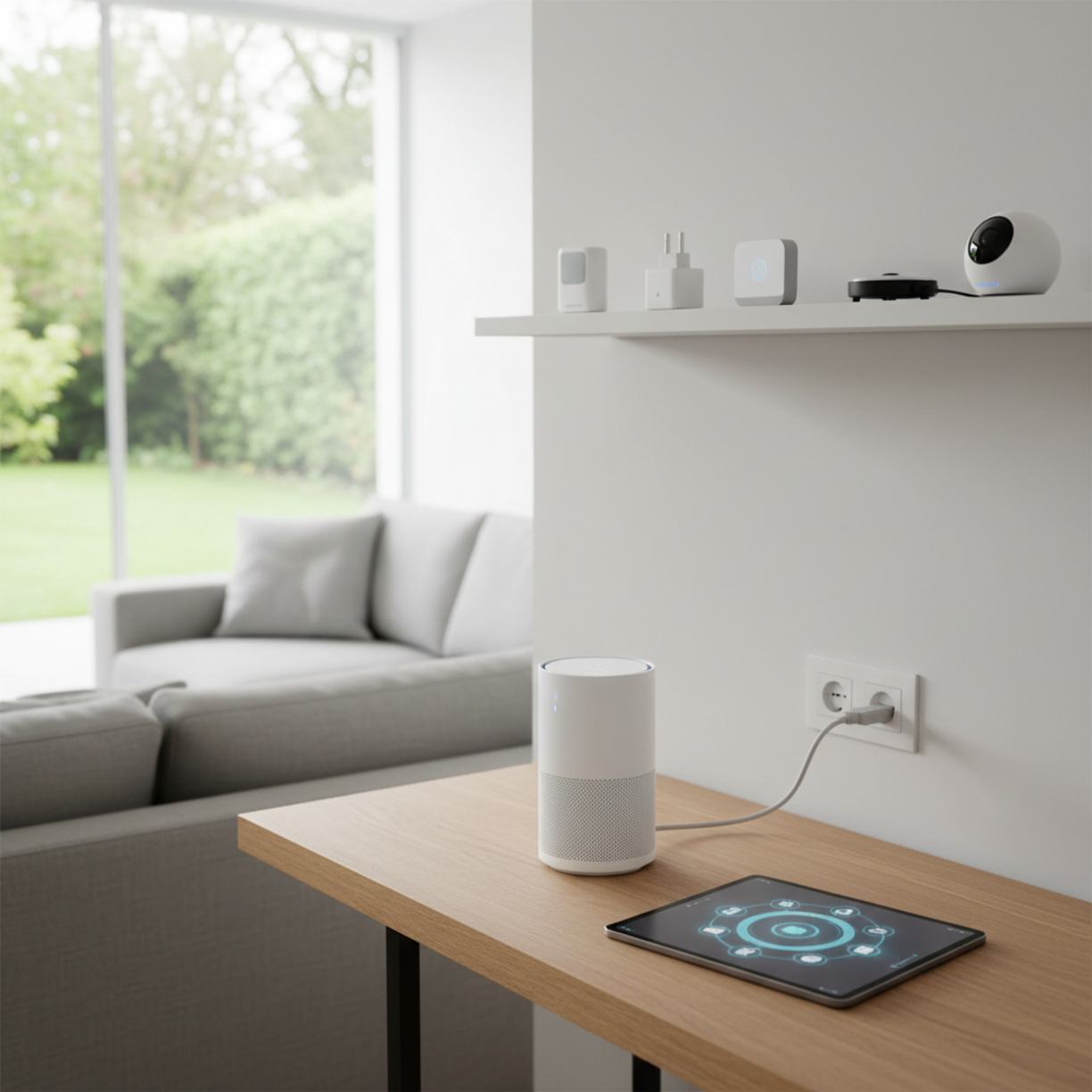
When you’re building a connected home, a robust smart home WiFi network is the backbone that keeps every device talking smoothly.
From voice assistants to security cameras, reliable coverage and easy configuration are essential for a friction‑free experience.
Table of Contents
Materials and Components
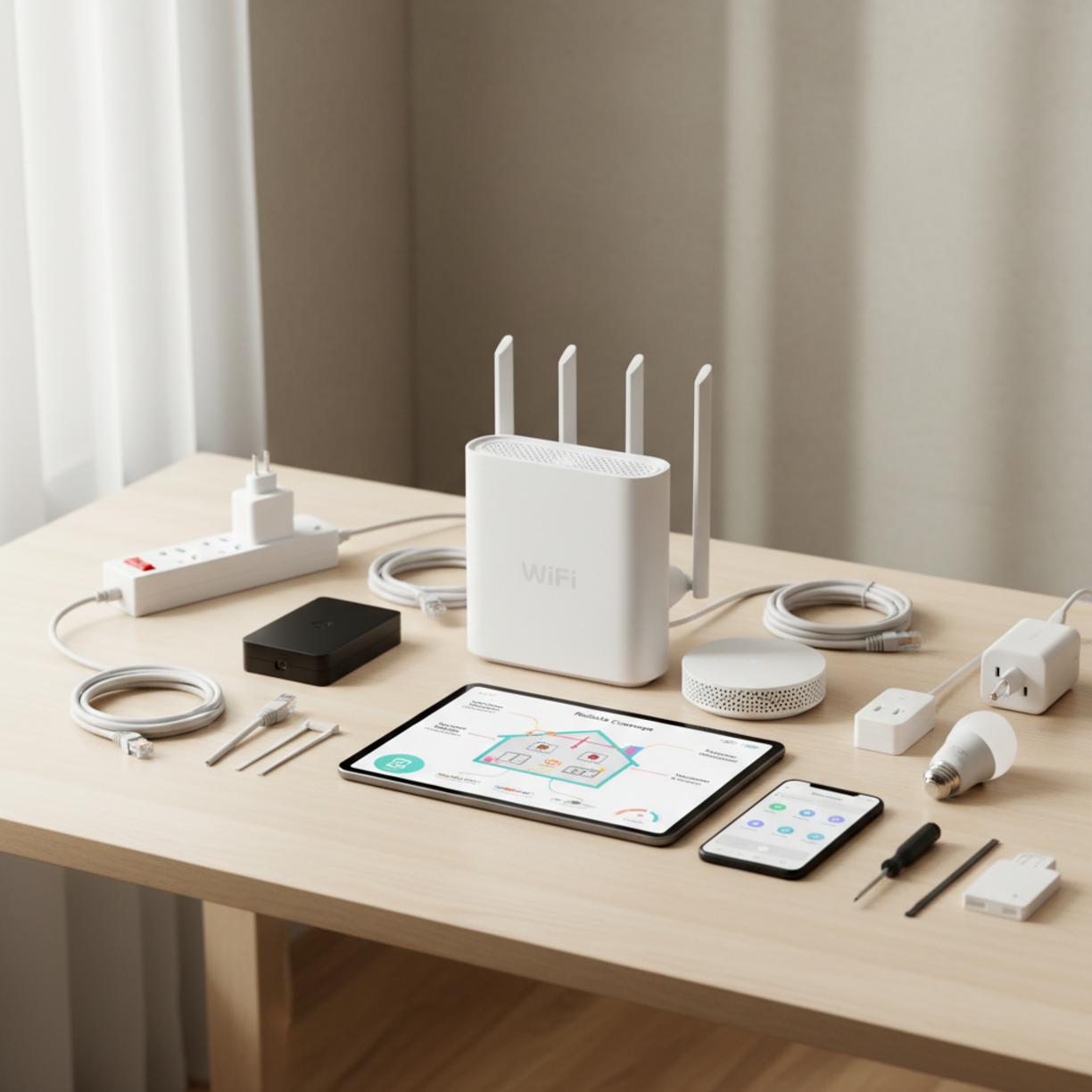
Before you begin, gather the following items to ensure a hassle‑free installation:
- Dual‑band or tri‑band Wi‑Fi router (Wi‑Fi 6 or Wi‑Fi 6E recommended)
- Mesh nodes or range extenders for larger floor plans
- Power over Ethernet (PoE) switches if you plan wired backhaul
- Ethernet cables (Cat 6 or higher)
- Smart plugs, bulbs, sensors, and hubs that support the same Wi‑Fi standard
- Mobile device with the router’s companion app
For a curated list of compatible devices, check out the smart home WiFi collection.
Planning and Setup Timeline
Map out your rollout in three phases to avoid surprises:
- Survey – Walk through each room with a Wi‑Fi analyzer app to spot dead zones.
- Design – Decide where the primary router and mesh nodes will sit for optimal line‑of‑sight.
- Deploy – Install hardware, configure the network, and test device connectivity.
A typical single‑family home can be fully operational within 2–3 hours if you follow this schedule.
How to Set It Up
Follow these steps for a smooth smart home WiFi setup:
Smart Home WiFi Essentials
1. Connect the router to your modem via Ethernet and power it on.
2. Launch the companion app on your phone, create a unique SSID, and enable WPA3 encryption.
3. Add mesh nodes one at a time, placing each within 30‑40 feet of the previous device for a strong handoff.
4. Prioritize devices by assigning IoT gadgets to a dedicated “IoT” SSID, keeping high‑bandwidth devices on the main network.
5. Update firmware on all hardware before finalizing the configuration.
For a ready‑made kit, you can browse options on smart home WiFi setup.
Key Benefits and Use Cases
Investing in a purpose‑built network delivers tangible advantages:
- Seamless automation – Lights, thermostats, and locks respond instantly.
- Enhanced security – Isolated IoT networks limit exposure to cyber threats.
- Scalable coverage – Mesh systems grow with your device inventory.
- Reduced latency – Critical for voice assistants and streaming security footage.
Best Practices and Expert Tips
To keep your network performing at its peak, consider these recommendations:
- Place routers and nodes on elevated surfaces, away from metal objects.
- Use wired backhaul whenever possible to free up wireless bandwidth.
- Enable guest networking for visitors to keep your main network private.
- Schedule automatic firmware updates during off‑peak hours.
- Regularly audit connected devices and remove any that are no longer in use.
Common Problems and Fixes

Issue: Spotty coverage in a specific room.
Fix: Add an additional mesh node or reposition the nearest node for a clearer line‑of‑sight.
Issue: Devices keep disconnecting.
Fix: Verify that the router’s DHCP pool isn’t exhausted and that firmware is up to date.
Issue: Slow speeds on IoT devices.
Fix: Move high‑bandwidth devices to the 5 GHz band and keep low‑bandwidth sensors on the 2.4 GHz band.
Maintenance and Long-Term Reliability
Schedule a quarterly check‑in to:
- Run a speed test from multiple locations.
- Review the device list for unknown connections.
- Apply any pending firmware patches.
- Clean dust from router vents to prevent overheating.
By staying proactive, your smart home WiFi network will remain stable for years.
Conclusion
A well‑planned smart home WiFi deployment eliminates dead zones, boosts security, and empowers every connected gadget to work in harmony. Follow the guide above, keep firmware current, and enjoy a home that truly thinks for itself.
FAQs
What Wi‑Fi standard should I choose for a new smart home?
Wi‑Fi 6 (802.11ax) offers the best balance of speed, capacity, and power efficiency for modern IoT devices.
Do I need a separate network for my smart devices?
Creating a dedicated SSID for IoT devices isolates them from personal devices, improving security and reducing interference.
Can I use a single router without mesh nodes?
For small apartments, a high‑performance router may suffice, but larger homes typically benefit from a mesh system to ensure consistent coverage.
How often should I change my Wi‑Fi password?
Changing the password every 6–12 months, or immediately after a security breach, helps keep your network safe.
Is wired backhaul necessary for a mesh system?
While not required, wired backhaul dramatically improves throughput and reduces latency, especially in bandwidth‑heavy environments.



Hi,
I was checking your website, and saw you have a good design and it looks great, but it’s not ranking on Google and other major search engines.
With your permission : I would like to send you a SEO Proposal with prices showing you a few things to greatly improve these search results for you. These things are not difficult.
It will show you exactly what needs to be done to move you up in the rankings dramatically.
May I send you a best quote?
Thanks,
Sabia Khan
Hi http://msicit.com,
Just had a look at your site – it’s well-designed, but not performing well in search engines.
Would you be interested in improving your SEO and getting more traffic?
I can send over a detailed proposal with affordable packages.
Thank You,
Lisa
Greetings,
We are the SEOByAxy team, and we can help msicit.com dominate your niche with our all-in-one digital services:
* Web Design: We build high-converting websites and online shops.
* Google & YouTube Ranking: Top positions on Google Search, Maps, and YouTube.
* Backlinks & Traffic: Powerful backlink campaigns and targeted organic traffic.
* Social Media & Video: Social media management and high-impact video marketing.
Get measurable growth at highly affordable rates. Check out all our services here:
https://rb.gy/t7gc5i
Sincerely,
Krystle
To unsubscribe, please reply with subject: Unsubscribe !msicit.com