
Imagine arriving home after a long day and the lights automatically adjust to your preferred brightness and color temperature, all without lifting a switch. This level of convenience is no longer a futuristic concept; it’s the everyday reality of Smart Lighting.
Whether you’re looking to cut energy costs, improve home security, or simply enjoy programmable ambience, understanding how modern lighting networks work is essential for anyone invested in AI‑driven smart home ecosystems. In this guide we also explore the best smart lighting systems for home and how they integrate with broader IoT infrastructures.
Table of Contents
Overview and Why It Matters
Smart lighting refers to network‑connected light fixtures and controls that can be managed via mobile apps, voice assistants, or automation scripts. At its core, a smart bulb or switch contains a low‑power microcontroller, a wireless radio (typically Wi‑Fi, Zigbee, Thread, or Bluetooth Mesh), and an LED driver. The device communicates with a hub or directly with a cloud service, enabling remote commands, scheduling, and sensor‑based reactions.
For homeowners, the benefits extend beyond convenience. Precise lighting schedules lower electricity consumption, while motion‑triggered illumination enhances security. For technical readers, smart lighting offers a sandbox for experimenting with MQTT topics, OTA firmware updates, and secure credential storage—all relevant to broader IoT and cybersecurity practice.
Requirements and Setup Essentials
- Compatible light fixtures: LED bulbs, recessed modules, or retrofit kits that support your chosen protocol.
- Control hub (optional): A Zigbee or Thread hub (e.g., Amazon Echo Plus, Philips Hue Bridge) consolidates devices and provides local processing.
- Mobile app or desktop client: Manufacturer‑provided software for provisioning, firmware updates, and scene creation.
- Network infrastructure: Reliable Wi‑Fi (2.4 GHz) or a dedicated mesh network for low‑latency communication.
- Power and placement tools: Screwdrivers, voltage testers, and, for wired installations, a compatible smart switch or relay.
Timing, Planning, or Deployment Considerations
Expected deployment time varies by scale. A single‑room retrofit can be completed in under an hour, while a whole‑home rollout may require a weekend to plan device placement, configure network segmentation, and test automations. Key planning factors include:
- Protocol choice: Wi‑Fi offers direct cloud access but can strain bandwidth; Zigbee/Thread conserve power and reduce interference.
- Security posture: Prefer devices that support WPA3, TLS encryption, and regular OTA patches.
- Scalability: Ensure your hub can handle the number of devices you anticipate; some hubs cap at 50‑100 nodes.
Step-by-Step Process
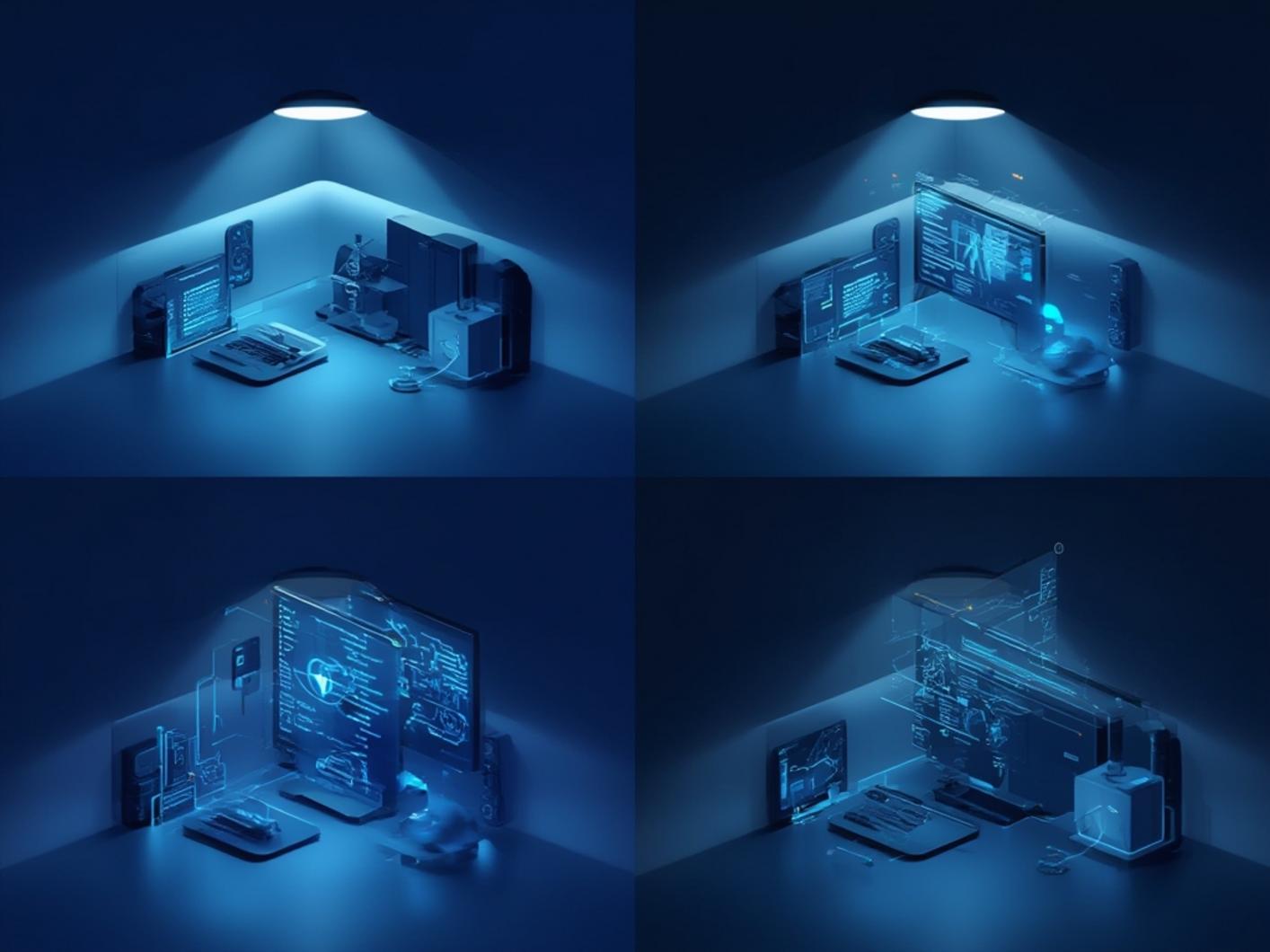
Below is a practical workflow for installing and configuring a basic Smart Lighting system, suitable for both beginners and seasoned technicians.
- 1. Prepare the environment: Verify that the Wi‑Fi mesh or Zigbee network is active. Disable guest networks for device onboarding to avoid isolation issues.
- 2. Install hardware: Screw in smart bulbs or replace existing switches with compatible models. Ensure power is off during wiring.
- 3. Pair devices: Open the manufacturer’s app, select “Add Device,” and follow on‑screen prompts. For Zigbee, place bulbs within 10 ft of the hub for initial pairing.
- 4. Assign rooms and groups: Categorize fixtures by location (e.g., “Living Room”) and create groups for collective control.
- 5. Configure automations: Set schedules (e.g., “Turn on at sunset”), motion triggers, or integrate with voice assistants like Alexa or Google Assistant.
- 6. Test reliability: Simulate power cycles and network reboots to confirm devices reconnect automatically.
- 7. Review security settings: Change default passwords, enable two‑factor authentication on the app, and verify that firmware is up to date.
After completing these steps, you can explore advanced scenarios such as linking lighting scenes with security cameras or adjusting color temperature based on circadian rhythms—a common feature in the best smart lighting systems for home market.
Benefits, Performance, and Real-World Value
Smart lighting delivers measurable savings: LED efficiency combined with occupancy‑based dimming can reduce lighting energy use by 30‑50 %. Automation also adds a layer of security; lights that turn on when motion is detected can deter intruders without requiring separate alarms. From a technical perspective, the data generated by sensors (e.g., illuminance, motion) can feed into analytics platforms, providing insights for further energy optimization.
Real‑world examples include:
- Home offices that increase brightness during video calls, improving video quality and reducing eye strain.
- Outdoor pathways that flash briefly when a security camera flags movement, alerting occupants instantly.
- Integration with HVAC systems to sync temperature settings with lighting levels, enhancing comfort while conserving power.
Best Practices, Variations, or Expert Tips
- Segment IoT traffic: Use a dedicated VLAN for smart devices to isolate them from critical workstations.
- Leverage local control: Opt for hubs that support local processing to reduce latency and maintain functionality during internet outages.
- Standardize on a protocol: Mixing Zigbee and Z‑Wave can complicate management; choose one ecosystem for consistency.
- Use scene presets: Pre‑define mood settings (e.g., “Movie Night”) that adjust brightness, color, and related device states simultaneously.
- Document firmware versions: Keep a log of updates to track compatibility and roll back if a new release introduces bugs.
Common Mistakes to Avoid
- Ignoring network capacity: Overloading a single Wi‑Fi router with dozens of bulbs can cause drops; distribute devices across multiple access points.
- Skipping encryption: Some budget bulbs transmit data unencrypted, exposing them to hijacking.
- Hard‑coding IP addresses: Dynamic IPs simplify OTA updates; static addresses may break when the router resets.
- Neglecting physical placement: Placing Zigbee bulbs far from the hub without repeaters leads to pairing failures.
- Relying solely on cloud control: Cloud outages halt remote access; always configure local fallback actions.
Maintenance, Updates, or Long-Term Use
Routine maintenance ensures reliability and security. Schedule monthly checks in the app to verify that firmware is current—most manufacturers push updates automatically, but manual verification is prudent. Clean LED lenses with a soft cloth to maintain light output, and periodically test motion sensors for drift. For network health, monitor signal strength and consider adding mesh extenders if you notice latency in larger homes.
Security hygiene is critical: rotate passwords annually, enable device‑level certificates where available, and audit unused devices to remove potential attack vectors.
Conclusion
Implementing a robust Smart Lighting solution transforms everyday living into a responsive, energy‑efficient experience. By selecting the best smart lighting systems for home, planning network topology, and following systematic installation steps, you can enjoy reliable automation while maintaining a strong security posture. Review your current setup, apply the recommended best practices, and start reaping the benefits of intelligent illumination today.
FAQs
Can smart lighting work without an internet connection?
Yes, if the devices use a local hub that processes commands internally, they will function during internet outages.
Which wireless protocol offers the lowest power consumption?
Zigbee and Thread are designed for low‑power operation, making them ideal for battery‑less fixtures.
How do I secure my smart lighting against hacking?
Use WPA3 Wi‑Fi, enable two‑factor authentication on the control app, keep firmware updated, and place devices on a separate IoT VLAN.
Do smart bulbs affect Wi‑Fi bandwidth?
Individual bulbs consume minimal bandwidth, but a large number can saturate the 2.4 GHz band; consider a mesh network or alternative protocol.
Can smart lighting integrate with home security systems?
Yes, most platforms allow triggers based on motion detection, door sensors, or camera alerts to automate lighting responses.
Leave a Reply